
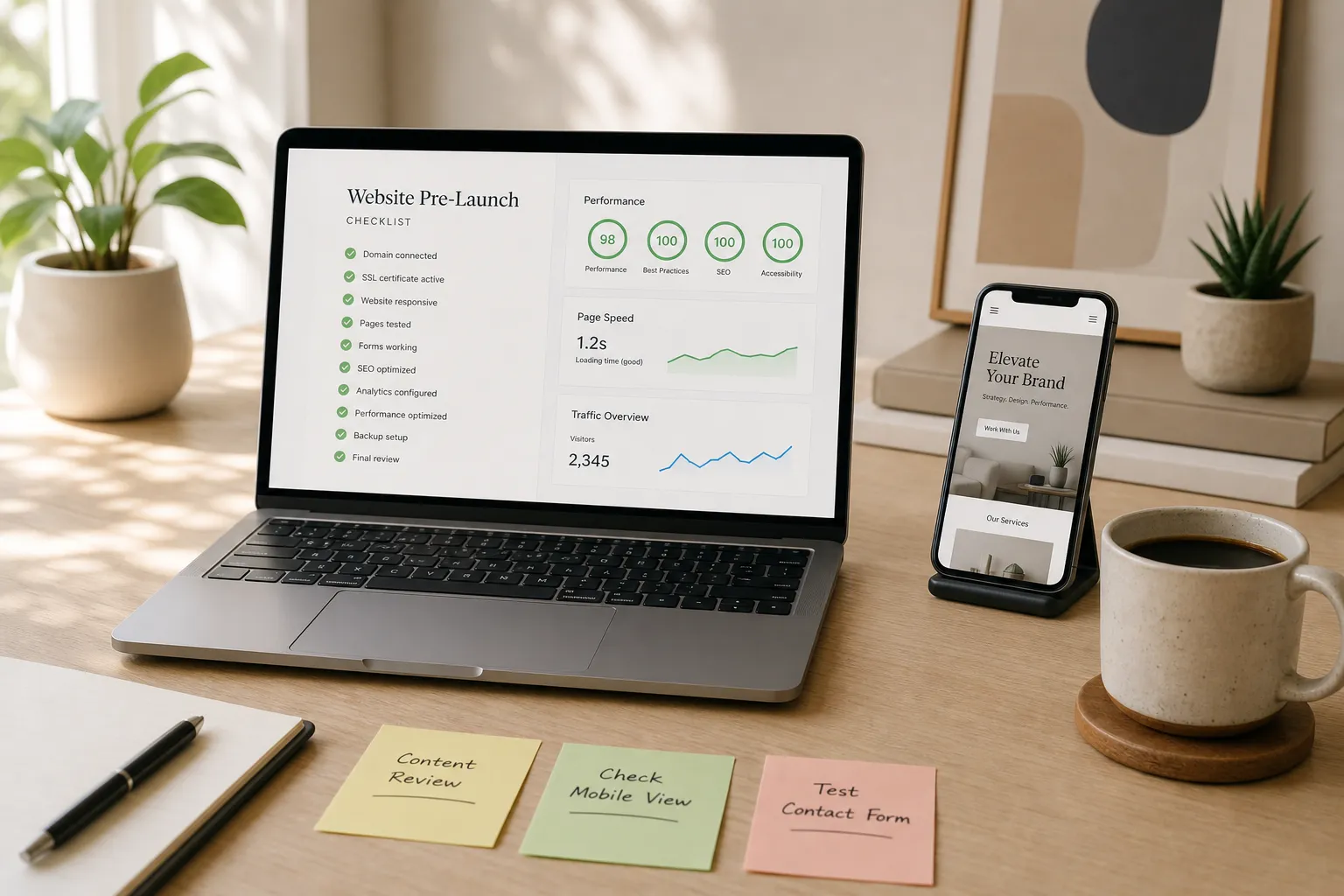
A launch is not the time to improvise. If you want search visibility, fast load times, and conversions on day one, you need a checklist that aligns content, code, analytics, and operations. Use this pre-launch list to remove surprises and go live with confidence.
Pre-launch SEO and tracking
- Set page titles and meta descriptions: Write unique titles around 50 to 60 characters and meta descriptions around 140 to 155 characters. Lead with the primary topic and a benefit. Avoid truncation and duplication across templates.
- Confirm indexability: Remove noindex tags on production pages, allow crawling in robots.txt, and block staging with authentication. Spot-check live responses for X-Robots-Tag headers and make sure only the right endpoints are excluded.
- Map redirects: Build a 301 redirect map from legacy URLs to new URLs. Include columns for old URL, destination, redirect type, and status. Use 410 for content that is intentionally removed. After go-live, crawl for 404s and confirm that 301s resolve to a final 200.
- Use sensible URL slugs: Keep slugs short, human-readable, hyphenated, and aligned to the page’s primary keyword. Remove stop words and avoid IDs or dates unless they are meaningful.
- Implement canonical tags: Add a self-referencing canonical on unique pages and point variations, filters, and UTM states to the preferred URL. Verify that canonical targets are not blocked or redirected.
- Add structured data where relevant: Validate Organization, Product, Article, FAQ, and Breadcrumb markup. Populate product price, availability, and review fields accurately. Test snippets so they qualify for rich results without conflicting properties.
- Optimize internal linking: From key hub pages, link to priority categories and offers with descriptive anchors. Ensure every important page is no more than three clicks from the homepage.
- Set Open Graph and Twitter Card tags: Provide og:title, og:description, and a 1200x630 image under 300 KB. Use card-specific tags for Twitter. Check how previews render to avoid cropped headlines or logos.
- Install analytics with a tag manager: Deploy GA4 via a tag manager. Publish only audited tags, exclude internal traffic, and use consistent event names and parameters. Keep a changelog so you can trace issues to a version.
- Verify Search Console and submit the XML sitemap: Prove ownership early, submit clean sitemaps grouped by content type, and ensure lastmod dates reflect real updates. Check for coverage errors before launch day.
- Define conversion events: Track form submits, CTA clicks, key navigation actions, and checkout milestones. Use dedicated thank-you URLs or server-side events to prevent double counting.
- Set geo and language signals: Implement hreflang for each language-region pair and confirm that each variant references the others. Set a default x-default where appropriate.
Speed, security, and backups
- Hit Core Web Vitals: Target LCP under 2.5 s, INP under 200 ms, and CLS under 0.1. Test with field data and throttle to mid-tier devices. Fix the real bottleneck, not only lab scores.
- Compress and properly size images: Serve AVIF or WebP with fallbacks, include width and height attributes to prevent layout shifts, generate responsive srcset sizes, and lazy load below-the-fold media. Preload a single hero image if it is the LCP element.
- Minify and defer code: Inline a small critical CSS bundle, defer non-critical JS, and avoid shipping unused libraries. Keep compressed JS under 200 KB per page where possible.
- Enable server and application caching: Use full-page caching for anonymous traffic, object caching for queries, and browser caching for static assets. Set Cache-Control and ETag headers, and keep HTML TTLs short during launch.
- Use a CDN for static assets: Serve images, fonts, and scripts from edge locations, enable HTTP/2 or HTTP/3, and turn on origin shielding. Confirm correct MIME types and Brotli compression.
- Run on modern infrastructure: Use current runtimes, optimized databases, and sufficient CPU and RAM. Monitor TTFB under load and tune connection limits and keep-alive settings.
- Force HTTPS and set HSTS: Redirect HTTP to HTTPS and add HSTS with an appropriate max-age. Verify mixed-content issues are resolved and that cookies are Secure and SameSite configured.
- Add security headers: Apply Content-Security-Policy, X-Frame-Options, X-Content-Type-Options, Referrer-Policy, and Permissions-Policy to reduce attack surface.
- Back up code and database: Take a full pre-launch backup and test a restore to a staging environment. Verify that media files and environment variables are included.
- Scan for malware and vulnerabilities: Audit dependencies and plugins. Remove unused packages, update to patched versions, and rotate any shared credentials before launch.
- Check error monitoring and logs: Confirm server logs, application logs, and uptime alerts feed a channel your team watches. Test a known error to see alerts trigger.
Forms, CTAs, and analytics
- Test every form end to end: Validate client and server errors, success states, email notifications, CRM or ESP handoff, and spam protection. Store UTM parameters in hidden fields so attribution carries into your CRM.
- Confirm CTA visibility and hierarchy: Make the primary action visually dominant and consistent. Use action verbs and ensure tap targets are at least 44x44 px on mobile.
- Instrument event tracking: Track clicks on CTAs, navigation, anchor jumps, modals, and accordions. Standardize event names and parameters so funnels can be built without custom recoding.
- Set thank-you pages and goals: Use dedicated success URLs and return an actual 200. Noindex thank-you pages and exclude them from internal search. Fire events server-side for critical conversions where possible.
- Validate ecommerce tracking: For ecommerce website development, confirm product impressions, add-to-cart, checkout steps, refunds, and transaction revenue reconcile with payment gateway totals. Pass SKU, variant, currency, and coupon codes in the data layer.
- Check phone and email links: Use tel and mailto, verify they work on mobile, and track click events as micro-conversions. Format phone numbers in E.164.
- Standardize UTM tagging: Define a naming convention for source, medium, campaign, and content. Lowercase values and avoid spaces to keep reports clean and attributable.
- Configure consent controls: Ensure analytics and marketing tags respect user consent and regional privacy rules. Provide a visible preference center and log consent events.
- Consider complex interaction tracking: If you run a consumer web app such as a personalized diet plan and cookbook app, track timers, multi-step flows, saves, and reminders so product decisions are grounded in behavior.
Accessibility and QA testing
- Validate keyboard navigation: All interactive elements must be reachable and operable by keyboard with a visible focus state. Eliminate focus traps in modals and menus.
- Meet color contrast targets: Ensure text and UI elements meet WCAG contrast ratios. Avoid relying on color alone to convey state or validation.
- Write alt text and labels: Provide meaningful alt attributes, explicit form labels, and ARIA roles only where native semantics are insufficient. Announce errors with aria-live.
- Provide skip links: Add a skip-to-content link so screen reader and keyboard users can bypass repetitive navigation.
- Use a clean heading structure: One H1 per page with a logical H2-H3 hierarchy. Do not use headings for styling alone. Ensure landmarks are present.
- Respect motion preferences: Honor prefers-reduced-motion and avoid autoplaying media that traps focus or interferes with reading.
- Test error messaging: Make form errors explicit, programmatic, and actionable. Keep the message near the field and link to it from a summary.
- Check 404s and empty states: Provide helpful copy, search, and clear next steps. Confirm 404 templates return a 404 status.
- Cross-device and browser QA: Define a test matrix that includes modern browsers and popular devices. Test on slow networks and low-power modes to surface edge issues.
- Proof content and localization: Verify grammar, dates, time zones, currency formatting, and measurement units for each target region.
- WordPress-specific checks: Confirm plugin updates, permalink settings, user roles, environment constants, and that staging-only plugins are not active on production.
Go-live plan and rollbacks
- Lower DNS TTL in advance: Reduce TTL to around 300 seconds 24 to 48 hours before the switch so propagation is fast.
- Schedule a maintenance window: Choose a low-traffic period, freeze content changes, and align stakeholders so support is available if needed.
- Warm caches and pre-render critical pages: Prime home, category, and checkout pages to avoid cold-start delays. Hit each URL until you see cache headers and stable TTFB.
- Flip traffic with monitoring on: Enable uptime checks, error alerts, and real-time analytics so anomalies are caught quickly. Keep a rollback owner on call.
- Validate key user journeys post-cutover: Re-test search, navigation, forms, cart, and checkout in production. Confirm transactional emails send and payments settle.
- Execute the 301 redirect map: Turn on redirects and scan for missed URLs so legacy backlinks continue to pass equity. Watch for redirect chains and loops.
- Have a documented rollback: Know exactly how to revert DNS, deploy the previous release, and restore the last backup. List who approves the rollback and the time limit for deciding.
- Resubmit sitemaps and request indexing: Use Search Console to nudge recrawling for priority pages after launch and check coverage reports for new errors.
- Plan a 24 to 72 hour review: Compare analytics to baselines, inspect logs for spikes, check ranking movement, and address unexpected drops or errors.
Why this matters for your team
Teams that treat launch as a process outperform on SEO and conversions. If you prefer not to juggle dozens of moving parts, Red Studio provides rigorous pre-launch QA across SEO, analytics, speed, accessibility, and backups so you go live smoothly and measure results from the first session.
Key takeaways
- Own a living launch checklist and keep it in version control.
- Protect organic traffic with redirects, canonical tags, and strong internal links.
- Hit Core Web Vitals and accessibility targets to lift real user experience.
- Instrument clean events and ecommerce tracking before you announce the launch.
- Prepare a tested rollback and a 72-hour review plan with named owners.
Whether you are a web design agency shipping client work or an in-house team preparing a redesign, the gap between a stressful go-live and a confident one is the discipline you apply before cutover. If you want a partner that handles the heavy lifting while you focus on content and offers, Red Studio can help with planning, QA, and steady support after launch.